
Introduction to GoDaddy Website Builder
Overview of GoDaddy Website Builder
**GoDaddy Website Builder** is a user-friendly platform that enables individuals and businesses to create professional websites without the need for technical expertise. It offers a variety of templates, customization options, and responsive designs to suit various industries and preferences.
Benefits of using GoDaddy for website creation
| Benefits of GoDaddy Website Builder | |
|---|---|
| 1. Ease of Use | GoDaddy's intuitive interface makes website creation simple for users of all skill levels. |
| 2. Diverse Templates | Choose from a wide range of templates to create a unique and visually appealing website. |
| 3. Mobile-Friendly Design | Ensure your website looks great on any device with GoDaddy's mobile-responsive designs. |

Selecting a Domain Name
Choosing a domain name that reflects your brand
When selecting a domain name, it is crucial to choose one that aligns with your brand identity and is easy to remember for your target audience. Ensure the domain name reflects the nature of your business or personal brand to make it easier for visitors to associate it with your website.
Tips for finding an available domain name
To find an available domain name, consider using keywords related to your industry or niche to improve search engine visibility. Additionally, try variations of your desired domain name or explore different domain extensions if your first choice is unavailable. conducting a domain name availability search will help you identify suitable options for your website.

Setting Up Your Website
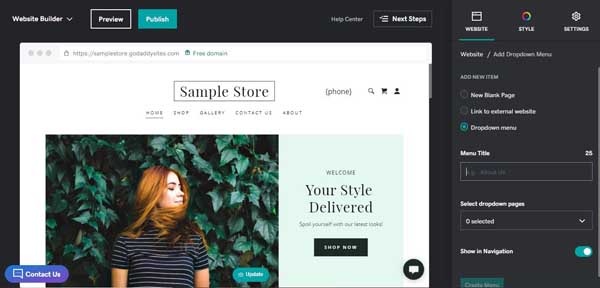
Navigating the GoDaddy Website Builder interface
When setting up a website, users can easily navigate the GoDaddy Website Builder interface to design and customize their sites. The user-friendly interface provides a range of tools and features to create a professional-looking website without the need for complex coding knowledge.
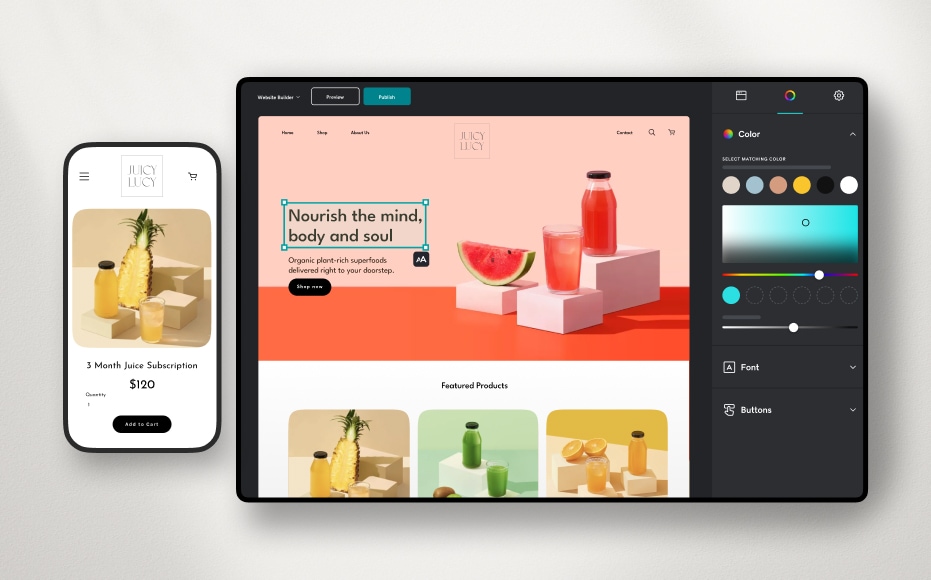
Customizing templates and layouts for your site
Users can personalize their websites by choosing from a variety of templates and layouts offered by GoDaddy. The customization options allow users to tailor their site's design to align with their brand identity and meet their specific needs. Customizing templates can help create a visually appealing and unique online presence.
Adding Content to Your Website
Creating pages and adding text and images
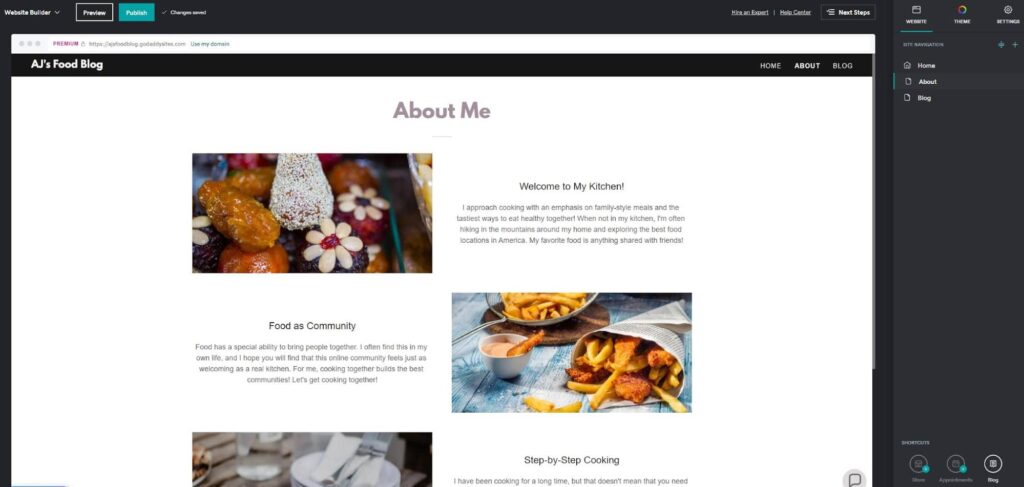
When adding content, individuals can create multiple pages on their website and easily include text and images through GoDaddy's intuitive tools. This enables the user to structure their site effectively and convey information clearly to visitors.
Incorporating multimedia elements like videos and slideshows
Users can enhance their website by incorporating multimedia elements such as videos and slideshows seamlessly. These interactive features can engage site visitors and provide dynamic content to showcase products or services effectively.
Managing Website Functionality
Integrating contact forms and social media links
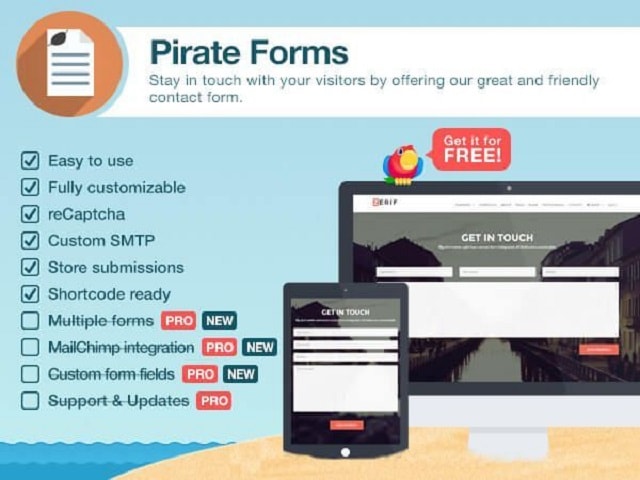
When managing website functionality, individuals can enhance user interaction by integrating contact forms and social media links effectively. These elements facilitate seamless communication between the website owner and visitors, as well as enable easy sharing of content across various social platforms.
Installing plugins and widgets to enhance user experience
For an improved user experience, incorporating relevant plugins and widgets can add functionality to the website. These tools offer features such as improved navigation, enhanced security, and interactive elements that contribute to a more engaging and dynamic site for visitors.

Managing Website Functionality
Integrating contact forms and social media links
When managing website functionality, one can enhance user interaction by effectively integrating contact forms and social media links. These elements facilitate seamless communication between the website owner and visitors, as well as enable easy sharing of content across various social platforms.
Installing plugins and widgets to enhance user experience
For an improved user experience, incorporating relevant plugins and widgets can add functionality to the website. These tools offer features such as improved navigation, enhanced security, and interactive elements that contribute to a more engaging and dynamic site for visitors.
Optimizing Your Website for SEO
Understanding SEO basics for better visibility
Utilizing GoDaddy tools for optimizing search engine rankings
Testing and Publishing Your Website
Previewing your site and testing functionality
When preparing to launch a website, it is essential to preview and test its functionality thoroughly. By doing so, one can ensure that all features, such as contact forms and social media links, are working correctly, providing users with a seamless browsing experience.
Steps for publishing your website online
The process of publishing a website involves selecting a reliable web hosting service, uploading the website files, and configuring the domain name. This step is crucial for making the website accessible to the public and ensuring its visibility on search engines.
Monitoring Website Performance
Tracking website traffic and visitor behavior
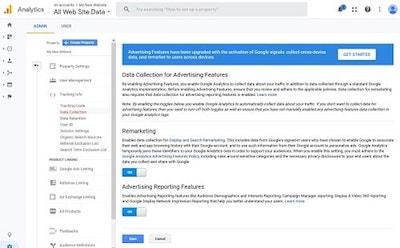
When launching a website, it is crucial to monitor website performance by tracking traffic sources, page views, bounce rates, and user interactions. Understanding visitor behavior helps in making informed decisions to enhance the site's user experience and optimize content for better engagement.
Analyzing data to improve user engagement
By analyzing website performance data, one can identify trends, user preferences, and areas for improvement. Utilizing tools such as Google Analytics can provide valuable insights into how users interact with the site, allowing for targeted improvements to enhance overall user engagement and drive conversions.






0 Comments