
Hands-on tutorial for beginners to build their first web application using Node.js with real-world examples.
This comprehensive guide will walk you through the process of creating a full-fledged web application using Node.js, from setting up your development environment to deploying your'll cover essential topics such as routing, middleware, templates, databases, authentication, and best practices for building robust and scalable applications.
Introduction to Node.js and its Applications

Node.js is a JavaScript runtime environment that allows developers to build fast, scalable, and real-time web applications. It's built on Chrome's V8 JavaScript engine, making it incredibly efficient and lightweight. Node.js is an open-source, cross-platform tool that can be used to develop a wide range of applications, including:
Web Applications
Node.js is widely used for building modern web applications, especially those requiring real-time features, such as chat applications, collaborative editing tools, and gaming platforms.
API Development
Node.js is a perfect choice for creating RESTful APIs that power web and mobile applications. Its asynchronous nature and lightweight architecture make it ideal for handling a large number of requests efficiently.
Command Line Tools
Node.js can be used to build powerful command line tools for automating tasks, managing systems, and streamlining development workflows.
Microservices
Node.js's lightweight architecture and modularity make it well-suited for building microservices, allowing developers to break down complex applications into smaller, independent services.
What Makes Node.js Unique?
NodeNode.js is different from traditional server-side technologies like PHP or Python due to its asynchronous and non-blocking nature. This means that Node.js can handle multiple requests concurrently without waiting for one request to complete before processing the next. This makes it particularly efficient for handling real-time applications and applications that require high concurrency.
Key Concepts:
- Event Loop: The heart of Node.js, the event loop is responsible for managing asynchronous operations and scheduling tasks.
- Non-blocking I/O: Node.js uses non-blocking I/O operations, which means it doesn't wait for one operation to complete before starting another. This allows Node.js to handle multiple requests concurrently.
- Callback Functions: Node.js relies heavily on callback functions to handle asynchronous operations. When an asynchronous operation completes, the registered callback function is executed.
- Modules: Node.js uses a module system to organize code into reusable components. This allows developers to easily share and reuse functionalities across projects.
Setting Up Your Development Environment

Before diving into building Node.js applications, you need to set up your development environment. Here's a guide to get started:
- Install Node.js: Download the latest Node.js installer package from the official website (https://nodejs.org/). Run the installer and follow the instructions.
- Verify Installation: Open your terminal or command prompt. Type
node -vto check the installed Node.js version. Typenpm -vto check the installed npm (Node Package Manager) version.
- Create a Project Directory: Create a new folder for your Node.js project. Open the folder in your terminal or command prompt.
- Initialize npm Project: Inside your project directory, run the command
npm init -y. This will create apackage.jsonfile, which acts as a manifest for your project, listing dependencies and configurations.
Building a Simple Web Server with Node.js
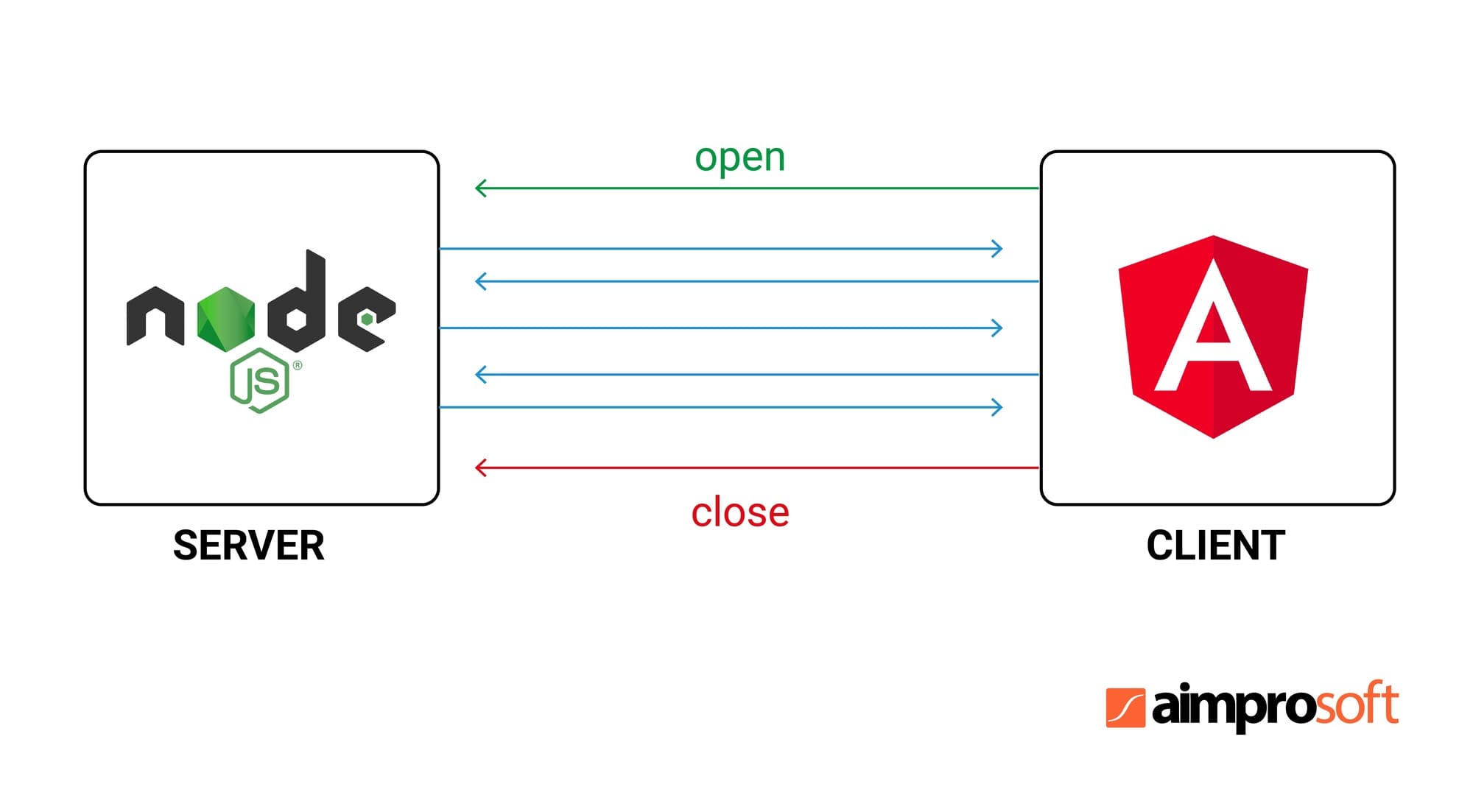
Now, let's create our first Node.js server. This simple example will demonstrate the core concepts of setting up a basic web server.
const http = require('http');
const hostname = '127.0.0.1';
const port = 3000;

const server = http.createServer((req, res) => {
  res.statusCode = 200;
  res.setHeader('Content-Type', 'text/plain');
  res.end('Hello, World!\n');
});

server.listen(port, hostname, () => {
  console.log(`Server running at http://$/`);
});
Explanation:
- Import the
httpmodule: This module provides the tools for building HTTP servers in Node.js. - Define hostname and port: These variables specify where the server will listen for incoming requests.
- Create the server:
http.createServer()creates a new HTTP server instance. - Handle requests: The provided callback function is executed for each incoming request. It sets the status code, sets the content type, and sends the response message, "Hello, World!".
- Start the server:
server.listen()starts the server and listens on the specified port and hostname.
To run the server:
- Save the code as
server.jsin your project directory. - In your terminal, run
node server.js. - Open your web browser and navigate to
http://127.0.0.1:3000. You should see the message "Hello, World!" displayed.
Handling HTTP Requests and Responses

In the previous example, we created a simple server that returned a static message. Let's now explore how to handle different HTTP requests and respond accordingly.
Request Object
The req object in the server's callback function contains information about the incoming request. This includes:
req.url: The URL path of the request.req.method: The HTTP method used (e.g., GET, POST, PUT, DELETE).req.headers: An object containing all the request headers.
Response Object
The res object is used to send the response back to the client. It has methods like:
res.statusCode: Sets the HTTP status code of the response.res.setHeader('Content-Type', 'text/html'): Sets the content type of the response.res.end(content): Sends the response content to the client.
Example:
const http = require('http');
const hostname = '127.0.0.1';
const port = 3000;

const server = http.createServer((req, res) => {
  if (req.url === '/api/users') {
    if (req.method === 'GET') {
      res.statusCode = 200;
      res.setHeader('Content-Type', 'application/json');
      res.end(JSON.stringify());
    } else if (req.method === 'POST') {
      // Handle POST request for creating new users
      res.statusCode = 405;
      res.end('Method not allowed');
    }
  } else {
    res.statusCode = 404;
    res.end('Not Found');
  }
});

server.listen(port, hostname, () => {
  console.log(`Server running at http://$/`);
});
Explanation:
This code checks the request URL and method. If the URL is /api/users and the method is GET, it responds with user data in JSON format. If the method is POST, it sends a "Method not allowed" response. If the URL doesn't match, it returns a "Not Found" response.
Working with Express.js for Routing and Middleware
While NodeNode.js provides the foundation for building web servers, Express.js is a popular framework that simplifies the process of handling routing, middleware, and other common web application functionalities.
Installation:
npm install express
Basic Express Application:
const express = require('express');
const app = express();

app.get('/', (req, res) => {
  res.send('Welcome to the homepage!');
});

app.get('/about', (req, res) => {
  res.send('About Page');
});

app.listen(3000, () => {
  console.log('Server running on port 3000');
});
Explanation:
express(): Creates an Express application instance.app.get('/', ...): Defines a route handler for the GET request to the root URL (/).app.listen(3000, ...): Starts the server on port 3000.
Routing
Express.js uses middleware to process requests and generate responses. Routing is a key aspect of this middleware system. It allows you to define different handlers for specific URLs and HTTP methods.
Middleware
Middleware functions are executed in the request-response cycle before the final handler. You can use them to perform tasks like:
- Logging: Recording requests and responses for debugging or analytics.
- Authentication: Verifying user credentials and granting access.
- Body Parsing: Parsing the request body for POST, PUT, or PATCH requests. -Error Handling: Handling errors that occur during request processing.
Creating Dynamic Content with Templates and Data
In web development, it's common to generate dynamic content based on user input or data from a database. Node.js allows you to create templates for rendering dynamic content efficiently.
Using Template Engines
Template engines like EJS, Handlebars, and Pug (formerly Jade) help structure your views and inject dynamic data into HTML templates.
EJS Example:
// Install EJS: npm install ejs
app.set('view engine', 'ejs');

app.get('/', (req, res) => {
  const data = ;
  res.render('index', );
});
Explanation:
- Set the view engine to EJS.
- Pass data to the template using
res.render().
Rendering Data from a Database
When working with databases like MongoDB, you can retrieve data and pass it to your templates for dynamic rendering.
MongoDB Example:
const MongoClient = require('mongodb').MongoClient;
const url = 'mongodb://localhost:27017';
const dbName = 'mydb';

MongoClient.connect(url, (err, client) => {
  if (err) throw err;

  const db = client.db(dbName);
  const collection = db.collection('users');

  collection.find().toArray((err, data) => {
    if (err) throw err;

    app.get('/users', (req, res) => {
      res.render('users', );
    });
  });
});
Explanation:
- Connect to a MongoDB database.
- Retrieve data from a collection.
- Pass the data to a template for rendering.
Video
Connecting to Databases with MongoDB
Node.js supports various databases, with MongoDB being a popular choice due to its flexibility and scalability. Here's how you can connect to a MongoDB database in your Node.js application.
Installation:
npm install mongodb
Connecting to MongoDB:
const MongoClient = require('mongodb').MongoClient;
const url = 'mongodb://localhost:27017';
const dbName = 'mydb';

MongoClient.connect(url, (err, client) => {
  if (err) throw err;

  const db = client.db(dbName);
  // Perform database operations here
});
Performing Database Operations:
Once connected, you can perform CRUD operations like insert, update, delete, and query documents in your MongoDB database.
Example - Inserting Data:
const collection = db.collection('users');
const newUser = ;

collection.insertOne(newUser, (err, result) => {
  if (err) throw err;
  console.log('User added successfully');
});
Example - Querying Data:
collection.find().toArray((err, data) => {
  if (err) throw err;
  console.log(data);
});
Conclusion:
In this section, we explored how to connect to a MongoDB database from a Node Node.js application and perform basic database operations. This integration allows you to store and retrieve data dynamically, enhancing the functionality of your Node.js applications.






0 Comments